
What’s New in
DuckDuckGo
We're constantly making improvements to our product. Every quarter, we’ll post the best of our most recent updates here.
Q2 2026
New Instant Answers: Auto Racing, Golf, Tennis, World Cup Soccer and More
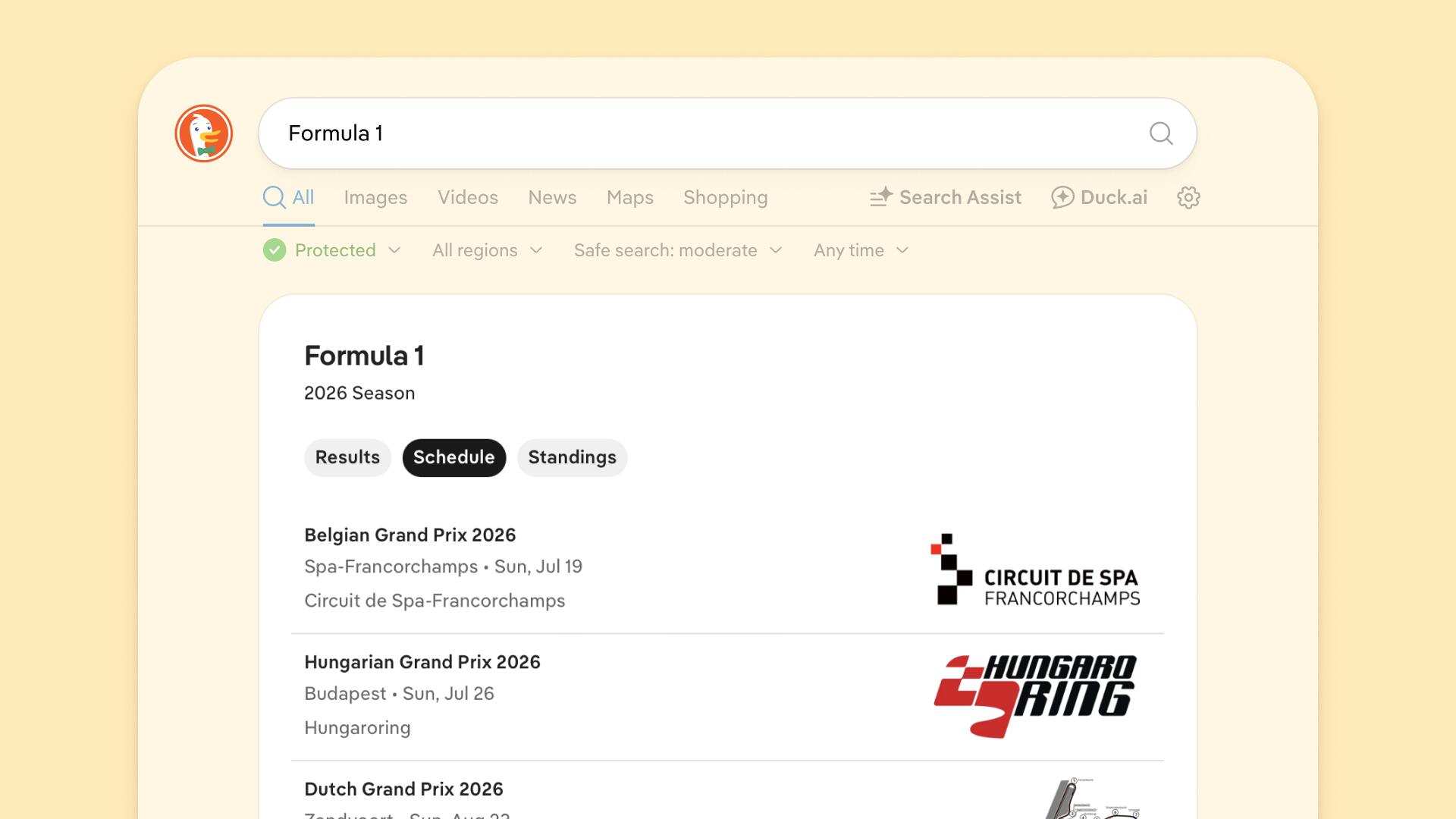
We added new Instant Answers for sports including golf, tennis, cricket, rugby, NASCAR, Formula 1, and fifteen club soccer competitions. We also created an Instant Answer for FIFA World Cup 2026 that displays upcoming matches, current team standings, and the bracket for each round of the tournament.
Print Map Directions with Keyboard Shortcuts
You can now easily print maps and turn-by-turn directions using browser controls like Command + P (Mac) or Control + P (Windows). You can also use File > Print or the Print button next to your selected route.
More Informative Previews on Search Results
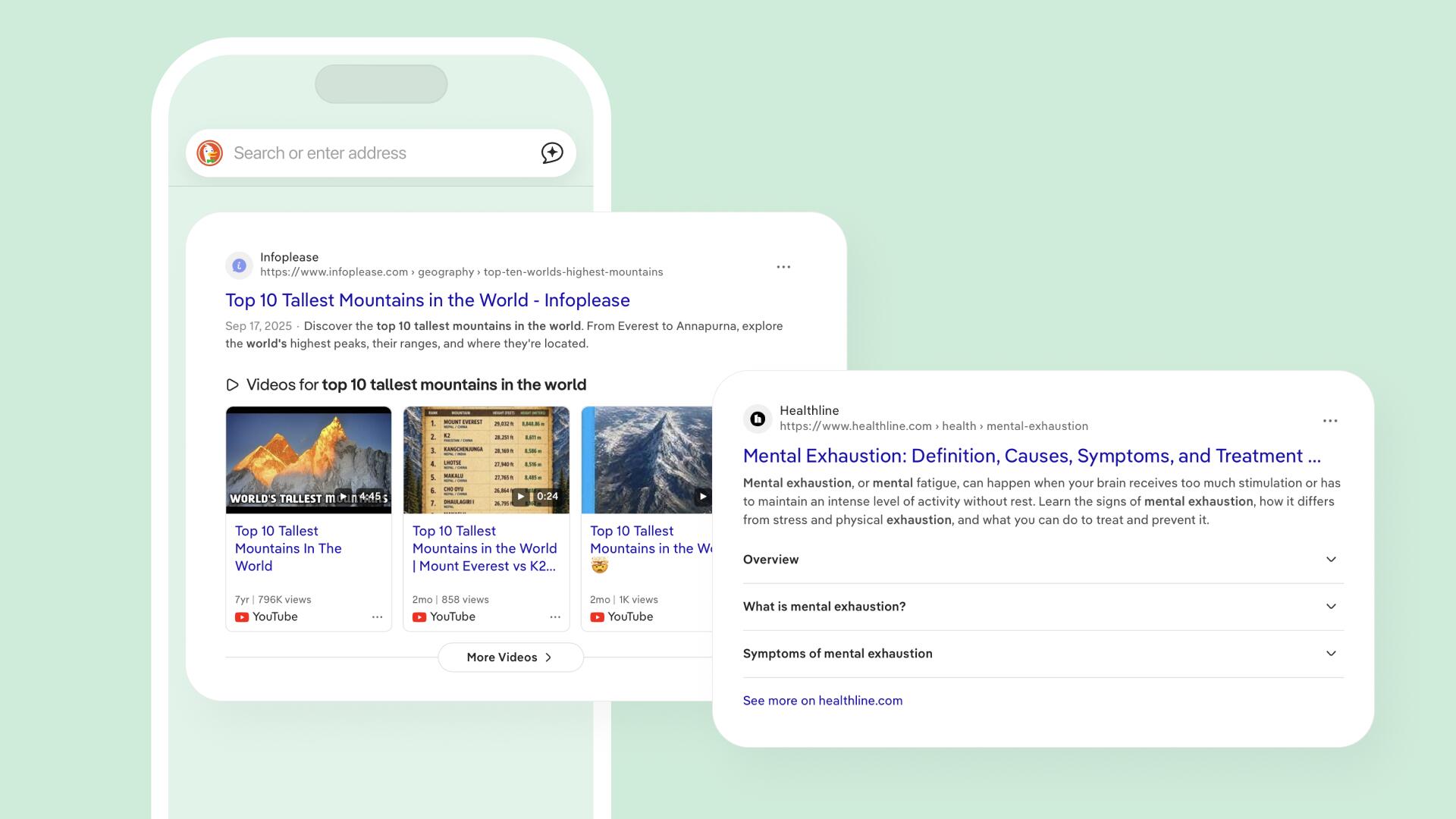
We added more information to our search results, giving you a better idea of the content before you click. Search results now include playable video previews, expanded text summaries and more.
Generate AI Images Within Chats
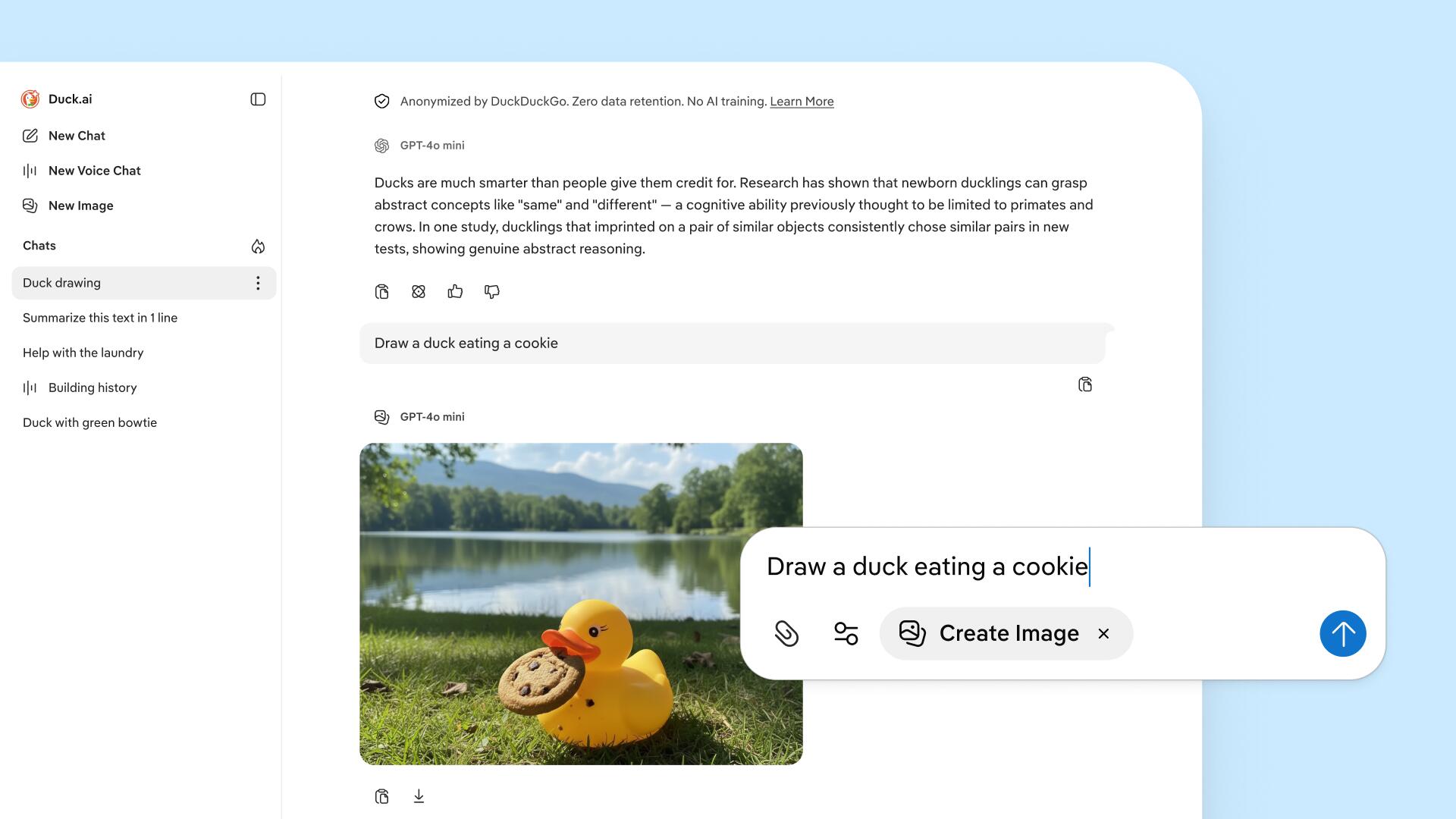
You can now ask Duck.ai to generate images within existing chats! Available for all users within a daily limit; DuckDuckGo subscribers have higher limits. Note: depending on which AI model you're chatting with, Duck.ai may request to use a different model for the image. It will switch back to your original model after generating your image.
Upload PDF Documents and Images
We added PDF upload across most chat models. Anthropic models can now analyze images, in addition to OpenAI models. Available for all users within a daily limit; DuckDuckGo subscribers have higher limits.
Sync Chats Across Devices
You can now sync Duck.ai chats between desktop and mobile devices. Syncing also creates a backup of your chat history, in case your device is lost or damaged. Synced chats are securely stored on DuckDuckGo's server using end-to-end encryption, so nobody but you can see your data. (Not even us!) Go to Duck.ai Settings > Sync & Backup to learn more and enable the feature.
Upgraded AI Models on Duck.ai
All Duck.ai users can now access GPT-5.4 nano, GPT-5.4 mini, Mistral Small 4, and an upgraded image generation model. DuckDuckGo subscribers can also use Claude Sonnet 4.6, Claude Opus 4.8, and GPT-5.4.
More Models with Reasoning Capabilities
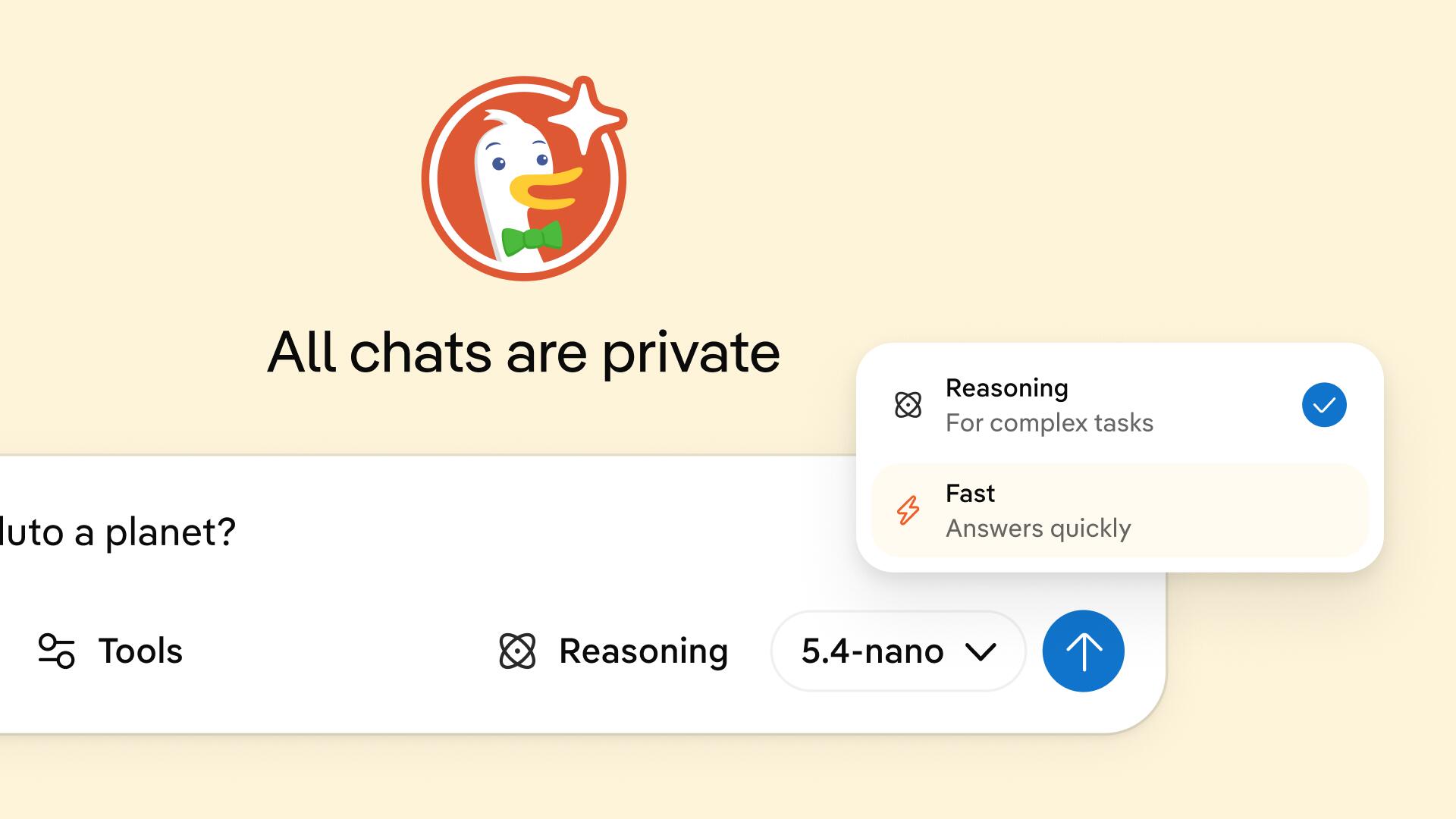
All Anthropic and OpenAI models now have reasoning for your more complex questions. Select Reasoning when you need powerful problem-solving, and Fast for quick answers, all within the same conversation.
Voice Chat Improvements
Duck.ai can now search the web during voice chats! Try it with a time-sensitive question, like checking your local weather. We've also improved the transcript function, so the text matches the spoken audio.
Chat Management Improvements
You can now save up to 100 Duck.ai chats in your chat history, without using Sync & Backup. We also made it easier to delete your chats. On desktop, hover over individual chats in the sidebar to delete them with the Fire Button, or use ⋮ > Select to select multiple chats for deletion. On mobile, use ⋮ > Delete Chat to delete individual chats, or ⋮ > Select to select multiple chats.
New Way To Give Feedback on Responses
We added 👍 and 👎 buttons under all Duck.ai responses to help us understand what went well, or how we can improve in the future. This optional feedback is completely anonymous and not used for AI training.
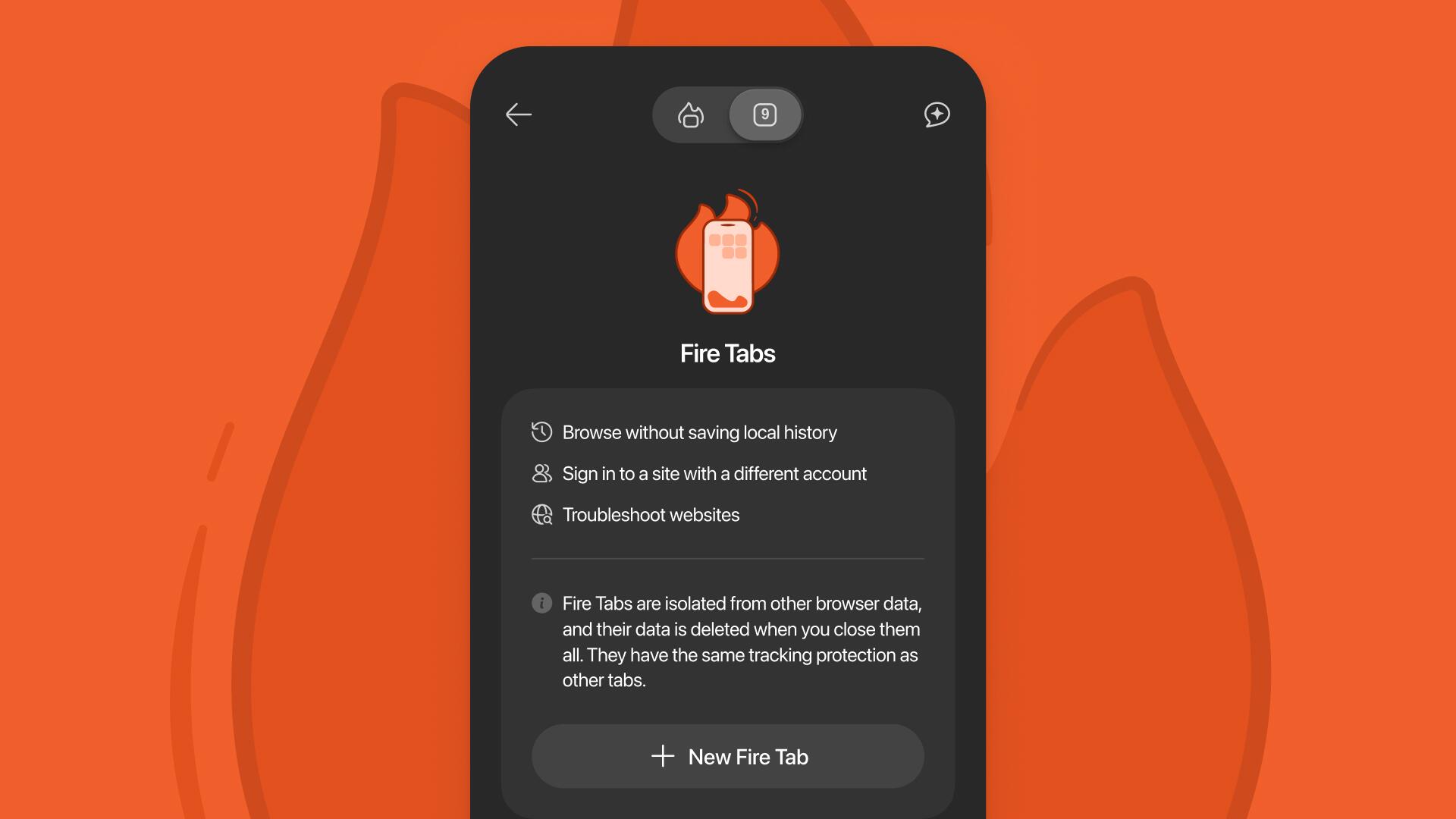
New Fire Tabs
Fire Tabs are now available on iOS! Just like Fire Windows on desktop, Fire Tabs are isolated from your normal tabs. Websites you visit in Fire Tabs are not saved in your local browsing history. You can close and burn all your Fire Tabs at once, or burn them individually with the Fire Button.
Improved Support for Apple Wallet and iCal Links
"Add to Wallet" links for Apple Wallet Pass are now more reliable. iCal (.ics) links now open in a pre-filled calendar editor, so you can add events to your calendar without switching apps.
More Customizable Widgets
The medium-sized shortcut widget is now customizable, with four slots for quick access to DuckDuckGo features like Voice Search, Passwords, Bookmarks, Duck.ai, and VPN.
Set Address Bar Preference
If you've opted to keep the Search/Duck.ai toggle in your address bar, a new setting lets you choose whether it always defaults to Search, Duck.ai, or whichever one you used last. Find it in Settings > AI Features > Toggle Position.
Duck.ai’s "Add Page Content" Feature Available on iPad
iPad users can now ask Duck.ai to summarize or react to web pages. To give it a try, tap the Duck.ai button on your toolbar and Add Page Content.
Quick Access to Duck.ai Voice Chat
Duck.ai Voice Chat is now just one tap away on iOS! You can customize your toolbar shortcut, Siri shortcut, or widgets (Control Center, Lock Screen, and Quick Actions) to take you right to Voice Chat.
Set Search Bar Preferences
If you've opted to keep the Search/Duck.ai toggle in your address bar, a new setting lets you choose whether it always defaults to Search, Duck.ai, or whichever one you used last. Find it in Settings > AI Features > Toggle Position.
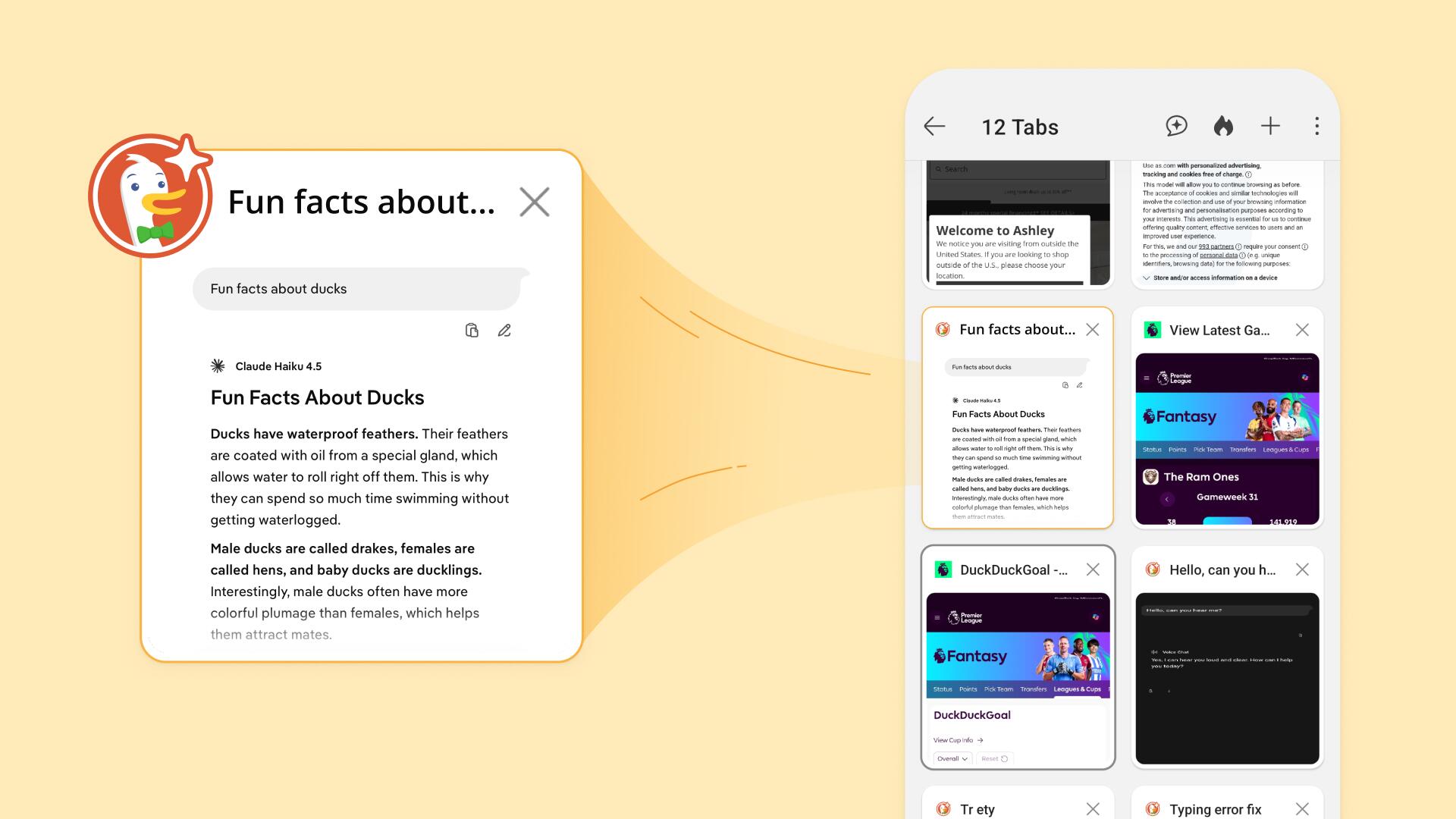
Duck.ai Tabs Now Labeled in Tab Manager
Looking for a Duck.ai chat in your Tab Manager? All chat tabs are now labeled with a Duck.ai logo, helping you find them at a glance.
Improved Chat Management
Tap the new Chats option in the ≣ browser menu for quick access to a list of your most recent Duck.ai chats. From this view, you can search your chats, pin or unpin favorites, download, delete individual chats, or burn all chats with the Fire Button.
More Duck.ai Functionality from Address Bar
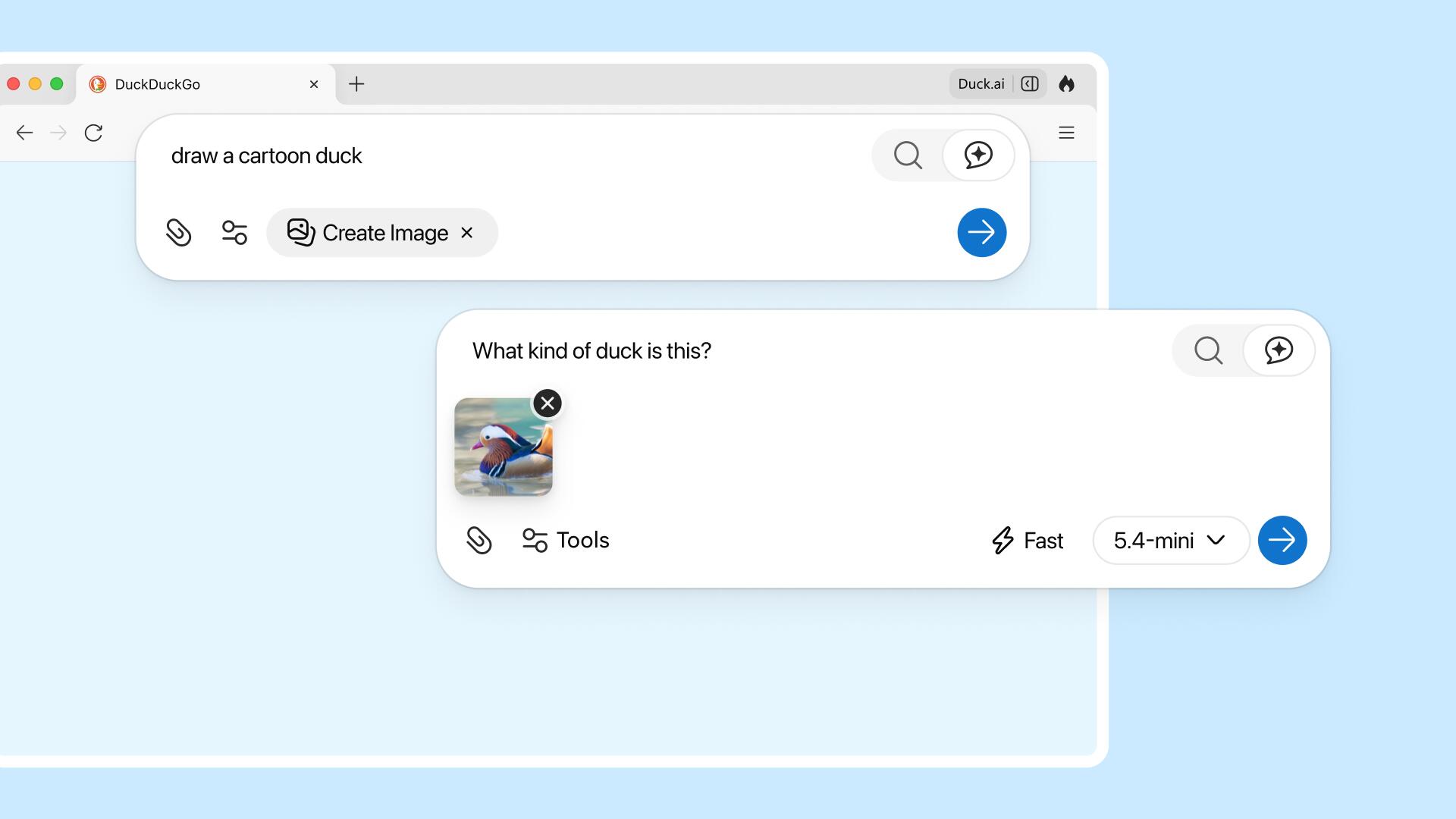
Use more Duck.ai functions directly from your address bar! Pick your AI model and reasoning level, generate or upload an image, open a new voice chat, and attach web page content without needing to open a new tab.
Option to Bookmark All Open Tabs
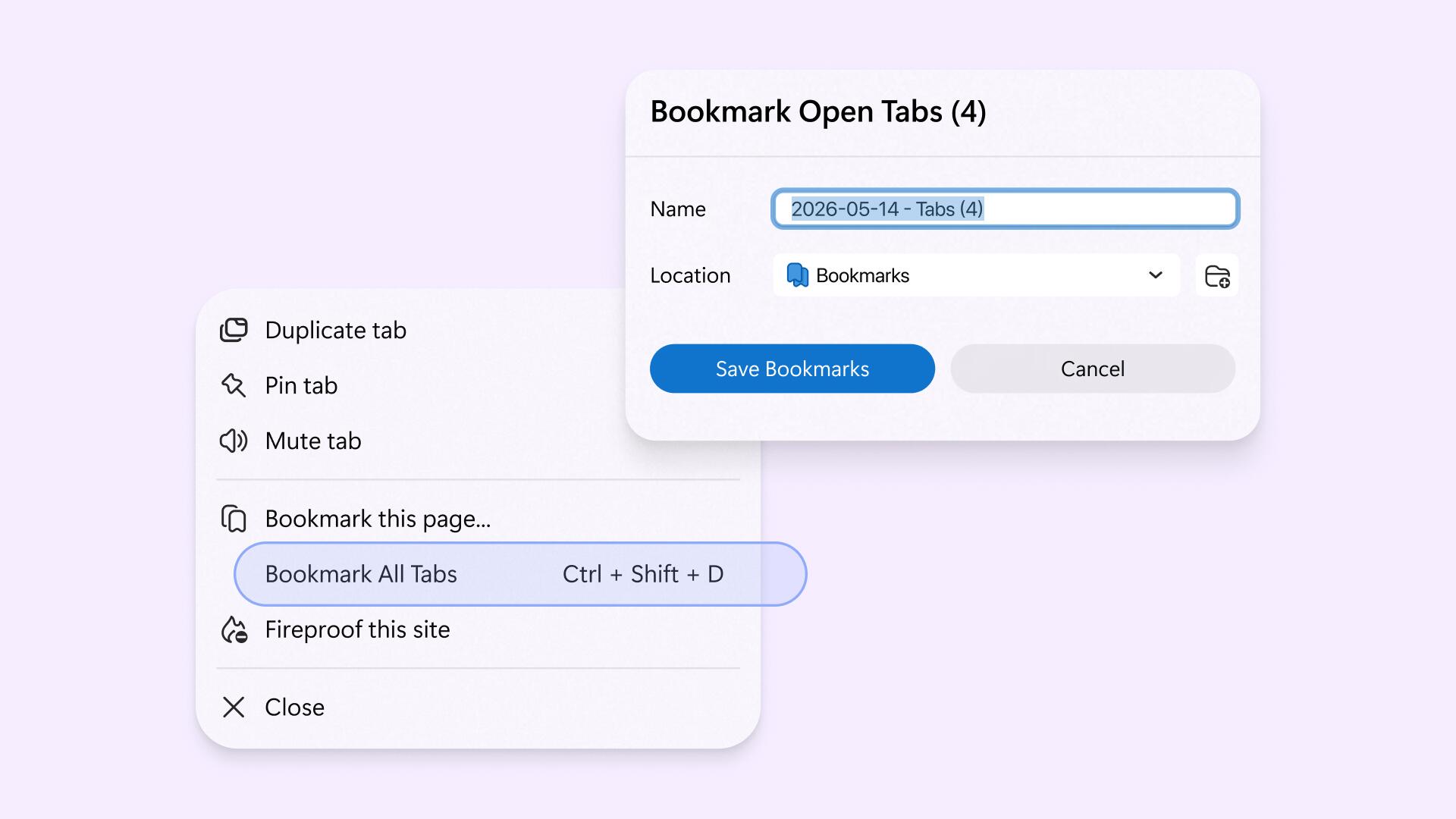
We added a new "Bookmark All Open Tabs" function. Find it in the right-click menu or ☰ menu. Bookmarks saved this way will be grouped together in a folder.
Autofill Now Handles Both Passwords and Passkeys
System passkeys now show up in our existing passwords autofill function. You can control passkeys management in your browser Settings > Passwords & Autofill.
Improved Permissions for Multiple Downloads
You can now allow or deny multi-file downloads. Manage this function from the Permission Center, where you can permanently allow or block multi-file downloads, or opt to decide each time a multi-file download is triggered.
Mute and Unmute Tabs When No Audio Is Playing
We added a new Mute/Unmute menu option, so you can mute or unmute individual tabs even if there's no audio playing. Right-click the tab and choose Mute tab or Unmute tab.
More Duck.ai Functionality from Address Bar
Use more Duck.ai functions directly from your address bar! Pick your AI model and reasoning level, generate or upload an image, open a new voice chat, and attach web page content without needing to open a new tab.